

Table of Contents
Reliable internet access isn’t just for home anymore. Whether you’re traveling, working remotely, or need backup internet during an outage, a mobile hotspot can keep you connected.
At Victra, the largest Verizon Authorized Retailer with over 1,500 stores nationwide, we help customers choose the right devices and plans for staying connected anywhere. In this guide, we’ll explain:
• What a mobile hotspot is
• How a hotspot works
• The difference between a hotspot and Wi-Fi
• When you should use one
• How to set up a mobile hotspot
Let’s break it down.
What Is a Mobile Hotspot?
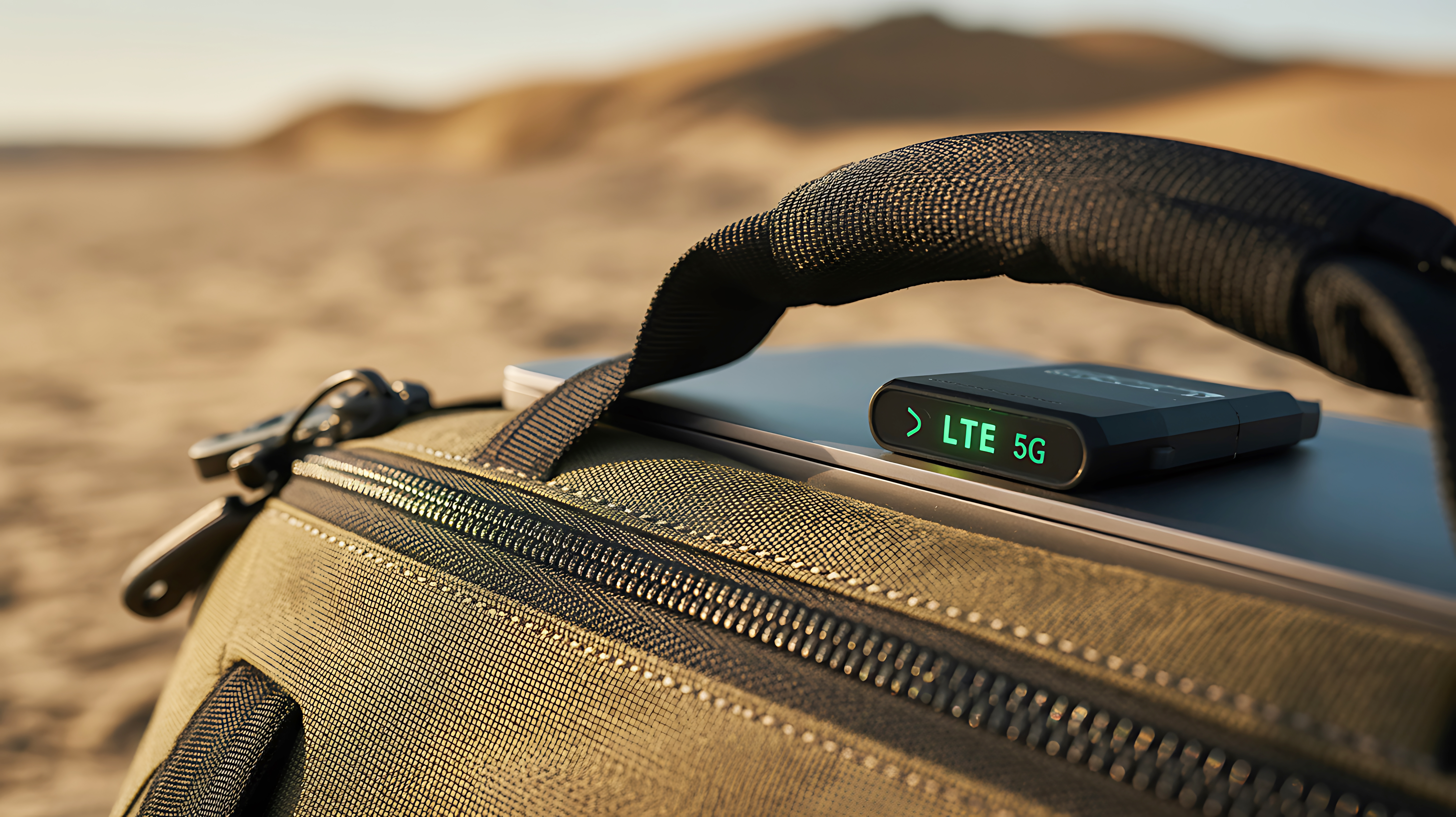
A mobile hotspot is a device or smartphone feature that uses a cellular connection (like 4G LTE or 5G) to create a private Wi-Fi network for other devices.
In simple terms, a hotspot turns cellular data into Wi-Fi.
This allows devices like laptops, tablets, gaming consoles, and smart TVs to connect to the internet even when traditional Wi-Fi isn’t available.
How Does a Mobile Hotspot Work? (Simple Explanation)
Here’s what happens behind the scenes:
- The hotspot connects to a cellular tower using 4G LTE or 5G.
- It receives internet data through the cellular network.
- The hotspot broadcasts a secure Wi-Fi signal.
- Your devices connect to that Wi-Fi network.
A mobile hotspot converts cellular data into Wi-Fi that multiple devices can use.
All of this happens instantly.
Types of Mobile Hotspots
There are two main types:
| Type | How It Works | Best For |
| Smartphone Hotspot | Uses your phone’s data plan | Occasional use |
| Dedicated Hotspot Device | Separate portable device | Frequent travel, business use |
Dedicated hotspot devices often provide:
- Better battery life
- Stronger signal reception
- Support for more connected devices
Hotspot vs Wi-Fi: What’s the Difference?
| Feature | Mobile Hotspot | Traditional Wi-Fi |
| Internet Source | Cellular network | Cable, fiber, or DSL |
| Portability | Highly portable | Fixed location |
| Best For | Travel, backup internet | Home and office use |
| Speed | Depends on 5G/LTE signal | Depends on ISP plan |
Both connect to the same global internet — they just use different pathways.
For more on how internet connections work, see:
When Should You Use a Mobile Hotspot?
Mobile hotspots are ideal for:
- Traveling
Stay connected in hotels, airports, or vehicles. - Remote Work
Secure internet for laptops during business travel. - Backup Internet
Reliable connectivity during home Wi-Fi outages. - Rural Areas
Access the internet where wired broadband isn’t available. - Connecting Multiple Devices
Power laptops, tablets, and more from one device.
How to Turn Your Smartphone into a Hotspot
Most modern smartphones include a built-in hotspot feature.
Step-by-Step Setup:
- Open your phone’s Settings.
- Tap “Network” or “Connections.”
- Select “Mobile Hotspot” or “Personal Hotspot.”
- Turn it on.
- Set a secure Wi-Fi password.
- Connect your other device to the new network.
Your phone now acts like a portable Wi-Fi router.
How Many Devices Can Connect?
This depends on the device and plan.
Typical limits:
• Smartphone hotspot: 5–10 devices
• Dedicated hotspot device: 10–30 devices
Performance depends on signal strength and network congestion.
What Affects Hotspot Speed?
Several factors impact performance:
• 4G LTE vs 5G availability
• Distance from cellular towers
• Network congestion
• Number of connected devices
• Signal interference
5G-enabled hotspots typically provide:
• Faster download speeds
• Lower latency
• Better performance in crowded areas
Does a Mobile Hotspot Use Data?
Yes.
A mobile hotspot uses your cellular data plan to provide internet access.
Streaming, video calls, and gaming can quickly consume large amounts of data.
Monitoring usage helps avoid unexpected overages.
Is a Mobile Hotspot Secure?
Mobile hotspots use encryption and password protection.
Best practices:
• Use a strong password
• Turn off the hotspot when not in use
• Avoid sharing credentials publicly
Dedicated hotspot devices often include built-in security features.
Hotspot vs Tethering: Are They the Same?
They are similar but slightly different.
• Hotspot: Creates a Wi-Fi network for multiple devices.
• Tethering: Directly connects one device via USB or Bluetooth.
Hotspots are typically more convenient for multiple connections.
Can a Mobile Hotspot Replace Home Internet?
In some situations, yes — especially with strong 5G coverage.
However, traditional home broadband may offer:
• Higher unlimited data thresholds
• More stable speeds for heavy streaming
• Better support for smart home devices
The best option depends on usage needs.
Why Understanding Mobile Hotspots Matters
Knowing how hotspots work helps you:
• Stay productive while traveling
• Prepare for emergencies
• Choose the right Verizon-compatible plan
• Avoid data overages
• Maximize your 5G experience
At Victra, we’re committed to helping customers stay connected wherever they are.
This article is part of Victra Teaches Tech, designed to make wireless technology simple and approachable.
Read More : How 5G technology works
Frequently Asked Questions About Mobile Hotspots
A mobile hotspot is a device or smartphone feature that uses cellular data to create a private Wi-Fi network.
It connects to a cellular tower using 4G LTE or 5G and broadcasts Wi-Fi to nearby devices.
Yes. A hotspot uses data from your cellular plan.
It depends. With strong 5G coverage, hotspot speeds can rival home internet, but performance varies.
Most smartphones support 5–10 devices, while dedicated hotspot devices can support more.
Yes. Mobile hotspots are commonly used for secure internet access while traveling.
Yes, when password protected and properly configured.

is a skilled Web Developer and Designer. He builds and designs websites that focus on best UI/UX practices. Justin is also a Verizon Product Expert at Victra, helping customers with Verizon products and services. His mix of design, coding, product, and general knowledge makes him a valuable and knowledgeable team member.