

Table of Contents
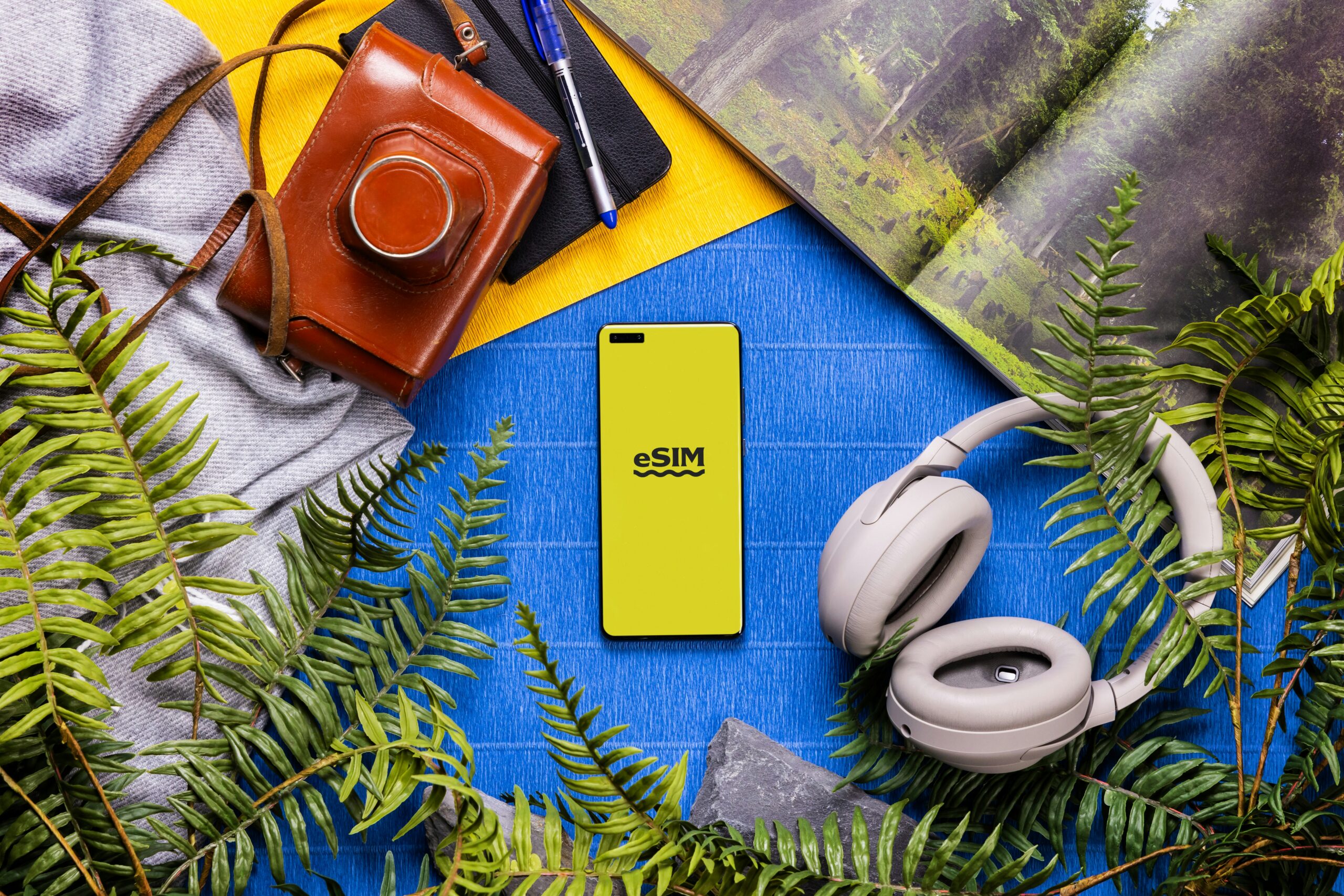
Short answer: An eSIM is a SIM that is built into your phone as a chip instead of a removable card. Your carrier sends your line’s details to it over the internet. It does exactly what a plastic SIM does, with the same calls, texts, data and signal. US models of iPhone 14 and later have no SIM tray at all and use eSIM only.
If you bought a phone recently and went looking for the SIM tray, you may not have found one. Nothing is missing. The SIM is already inside.
What a SIM does, and what “embedded” changes
SIM stands for Subscriber Identity Module. Its job is to tell the network who you are: which account you belong to and which phone number is yours. Without an active SIM, a phone cannot join a cellular network.
For decades that identity lived on a small plastic card. An eSIM puts it on a secure chip soldered inside the phone. The chip is blank when the phone is made. Your carrier writes a profile to it, which is the digital equivalent of sliding in a card.
The process looks like this:
- Your carrier creates a profile tied to your number and account.
- Your phone downloads it, usually over Wi-Fi, through an app, a QR code, or a prompt during setup.
- The phone stores it on the secure chip and connects to the network.
A phone can hold several profiles. Apple says an iPhone can store eight or more, though normally only two lines are active at once.
eSIM vs. physical SIM
| eSIM | Physical SIM | |
| What it is | A profile on a chip inside the phone | A removable plastic card |
| How you get it | Downloaded from your carrier | Inserted into a tray |
| Moving to a new phone | Transferred digitally | Move the card across |
| If the phone is stolen | Cannot be pulled out | Can be removed and reused |
| Several numbers | Store multiple profiles | Limited by the number of slots |
| Signal and speed | Identical | Identical |
That last row answers a question we hear often. An eSIM does not change your signal or your speed. Those depend on the network, where you are and the phone’s antennas.
Which phones use eSIM
Nearly every recent smartphone supports it. Some support nothing else:
- iPhone 14 and later, US models: eSIM only.
- iPhone Air: eSIM only in every country.
- Google Pixel 10 series, US models: eSIM only.
- Recent cellular iPads: eSIM only.
- Most Samsung Galaxy phones: support both a physical SIM and eSIM.
Cellular smartwatches use eSIM too, which is how they make calls without your phone nearby.
To check your own phone, look in Settings under About, or let the My Verizon app check compatibility when you activate. On iPhone, eSIM is supported from the iPhone XS and XR onwards.
How to activate an eSIM on Verizon
The simplest route is the My Verizon app. According to Verizon, activating in the app means you do not need the phone’s IMEI or a QR code, service is activated over Wi-Fi, and there is no charge to move a line this way.
To switch from a physical SIM to eSIM on the same phone:
- Connect to Wi-Fi and sign in to My Verizon.
- Go to the Mobile tab.
- Choose the option to get or activate a SIM.
- Follow the prompts. The eSIM downloads and activates.
Verizon notes you need a standard monthly plan, an unlocked eSIM-capable phone, and Account Owner or Account Manager access to do this yourself. Menu labels in the app change from time to time. If you cannot find the option, a store can do it in a few minutes.
Bringing your own phone to Verizon works the same way: confirm the model in the app, enter the one-time code sent by text, review, and activate.
How to transfer an eSIM to a new phone
When the eSIM activates on the new phone, service on the old one stops. Back up first.
| Moving between | How |
| iPhone to iPhone | eSIM Quick Transfer. Both phones need a recent iOS version, the same Apple Account and Bluetooth on. Follow the setup prompts, or go to Settings > Cellular > Add eSIM. |
| Galaxy to Galaxy | On the new phone: Settings > Connections > SIM manager > Add eSIM, then choose to transfer from another phone. |
| Android to iPhone, or back | Recent iOS and Android versions support a direct transfer on supported carriers. If the option is missing, use My Verizon. |
| Any phone | Install My Verizon on the new phone, sign in on Wi-Fi, and follow the prompts to activate the line. |
If you have only one line on the account, Verizon says you will need the old phone on hand to confirm the transfer.
From the Victra store floor: Guests who buy a new iPhone are often surprised to find there is no SIM tray at all. Moving an eSIM usually takes just a few minutes. One tip: if you have turned on Verizon’s SIM Protection, turn it off before you switch phones, or the transfer will be blocked.
If a new phone shows “SOS” straight after you switch, the eSIM probably did not finish activating. See why your phone says SOS only.
Two numbers on one phone
Because a phone can hold more than one profile, eSIM makes dual SIM easy. People use it for a work line and a personal line, or a home line and a travel line.
A few things to know:
- The two lines can be with the same carrier or different carriers.
- On most phones, while you are on a call on one line, calls to the other go to voicemail.
- To add a line from a different carrier, the phone must be unlocked.
Using eSIM when you travel
You have two options abroad.
Use your Verizon plan. Verizon’s international options keep your number and plan working overseas with nothing to install. See the Verizon international plan page.
Add a travel eSIM. Many providers sell short-term data plans for other countries. You keep your Verizon number on one line and use the travel plan for data on the other.
There is one catch with the second option. Your phone must be unlocked. Verizon’s current postpaid policy states that devices are unlocked automatically “when purchased at full retail price or if the device financing agreement balance is paid in full.” If you are still paying off the phone, it is likely locked to Verizon, and another provider’s eSIM will not work. Check before you buy one.
If you do go the travel eSIM route, install it at home on good Wi-Fi and switch it on when you land.
Is an eSIM safe?
The technology is secure, and it has one clear advantage: a thief cannot pull the SIM out of a stolen phone to stop it being tracked or to use it elsewhere.
What an eSIM does not prevent is a SIM swap. In that scam, a criminal contacts your carrier pretending to be you and asks for your number to be moved to their device. The target is your account, not the chip, so both physical SIMs and eSIMs are exposed. Once they have your number, they receive your text message security codes.
Protect the account:
- Turn on SIM Protection in My Verizon. It blocks SIM changes on your line until you turn it off.
- Turn on Number Lock. It stops your number being transferred to another carrier.
- Never share a PIN or one-time code with anyone who contacts you, however official they sound.
- Use an authenticator app instead of text messages for important accounts where you can.
The FCC now requires carriers to authenticate customers securely before a SIM change or port-out and to notify you when one is requested. If you ever receive such a notice and did not ask for it, call your carrier immediately.
If you lose or break your phone
Your eSIM stays in the old phone. Your number stays with your account. That means you can get back up and running without the old device.
- If the phone is lost, try to locate or lock it with Find My or Find Hub.
- On the replacement phone, connect to Wi-Fi and open My Verizon.
- Activate the line on the new phone. A fresh eSIM profile is issued.
- Or visit a store and have it done for you.
The same steps apply if you delete an eSIM profile by mistake.
Pros and cons
| Advantages | Trade-offs |
| Nothing to insert, lose or damage | You cannot move a card to a spare phone if yours breaks |
| Activate or switch without waiting for a card | Setup needs Wi-Fi or another internet connection |
| Several lines on one phone | Older and some budget phones do not support it |
| Cannot be removed from a stolen phone | A locked phone cannot use another carrier’s eSIM |
Frequently asked questions
Is eSIM better than a physical SIM?
For most people it is more convenient. Both do the same job with the same signal.
Can I switch back to a physical SIM?
Only if your phone has a SIM tray. US iPhone 14 and later models and the Pixel 10 series do not.
Do I need Wi-Fi to set up an eSIM?
Usually, yes. The profile has to be downloaded.
Can an eSIM be hacked?
The chip itself is very hard to attack. The realistic risk is a SIM swap through your carrier account, which SIM Protection and Number Lock are designed to block.
What happens to my eSIM if I trade in my phone?
Erase the phone before handing it over. On iPhone, Erase All Content and Settings gives you the option to delete the eSIM as well.
The bottom line
An eSIM is a SIM you cannot lose. Learn where the transfer option lives, switch on SIM Protection and Number Lock, and check your unlock status before buying a travel eSIM.
Need a hand activating or moving one? Visit a Victra store and we will set it up before you leave.
Sources
- Apple Support: About eSIM on iPhone; eSIM Quick Transfer; iPhone models with eSIM only
- Verizon Support: eSIM FAQs; SIM Protection and Number Lock
- Verizon: Device Unlocking Policies, verizon.com/about/consumer-safety/device-unlocking-policies
- Samsung Support: SIM manager and eSIM transfer
- GSMA: eSIM consumer overview
- FCC: rules on SIM swap and port-out fraud

is a skilled Web Developer and Designer. He builds and designs websites that focus on best UI/UX practices. Justin is also a Verizon Product Expert at Victra, helping customers with Verizon products and services. His mix of design, coding, product, and general knowledge makes him a valuable and knowledgeable team member.