

Table of Contents
Cell signal strength depends mostly on how far you are from a cell tower, what’s between you and the tower (walls, glass, hills, and trees), which frequency band your phone is using, how busy the network is, and your phone itself. Indoors, building materials are usually the biggest problem.
Dropped calls. Slow data. Five bars on the sidewalk and one bar in your kitchen. If your signal seems to change from room to room, you’re not imagining it.
Cell signals are radio waves, and radio waves are affected by distance, obstacles, and even the materials your home is built from. The good news is that once you know what’s weakening your signal, there’s usually a simple way to improve it.
At Victra, the largest Verizon Authorized Retailer with nearly 1,500 locations across the United States, customers ask us about weak signal every day. This guide explains what affects cell phone signal strength, how to check your real signal, and the best ways to get better coverage at home, at work, and on the go.
Key Takeaways
- Distance and obstacles matter most. The farther you are from a tower, and the more walls, hills, or trees in the way, the weaker your signal.
- Buildings are the biggest indoor problem. Concrete, metal, and energy-efficient Low-E glass can block a large share of the signal before it reaches you.
- Frequency changes everything. Low-band signals travel far and get indoors more easily. High-band 5G mmWave is very fast but has a much shorter range.
- Bars aren’t the whole story. Full bars with slow data usually means a busy network, not a weak signal.
- Free fixes come first. Moving near a window, restarting your phone, updating software, and turning on Wi-Fi Calling often solve the problem.
- Verizon has indoor solutions, including the LTE Network Extender and support for registered signal boosters.
What Is Cell Phone Signal Strength?
Cell phone signal strength is a measure of how strong the radio signal is between your phone and the nearest cell tower. A stronger signal usually means clearer calls, faster data, and a more reliable connection.
Your phone shows signal strength as bars, but bars are only a rough guide. Each phone maker and carrier decides how many bars to show for a given signal, so two phones in the same spot can show different bars. The more accurate measurement is dBm (decibel-milliwatts), which we explain below.
How Your Phone Connects to the Network
Your phone is a two-way radio. It constantly talks to nearby cell towers, which connect you to the rest of the network. When you make a call or load a website, your phone and the tower send radio signals back and forth.
Cell networks use different frequency bands, and each one behaves differently:
| Band | Frequencies | How it behaves (per Verizon) |
|---|---|---|
| Low-band | Below 1 GHz, typically 600 MHz to 1 GHz | “Lower frequencies can cover greater distances,” which makes low-band great for wide areas, rural locations, and getting inside buildings. Performance is “typically similar to 4G LTE.” |
| Mid-band (including C-band) | About 2.4 GHz to 4.2 GHz | Covers more distance than high-band with more speed than low-band. Verizon calls it “a bit of a sweet spot.” |
| High-band (mmWave) | About 24 GHz to 39 GHz | “Ultra-high speed and capacity, but not as much coverage as low-band.” It’s easily blocked by walls, glass, and other obstacles. |
Your phone automatically switches to the best band available. That’s why you might see blazing-fast 5G outside and slower speeds indoors, where your phone may fall back to a low-band signal that travels through walls more easily. Learn more about what 5G is and how it works and the difference between 5G Nationwide and 5G Ultra Wideband.
What Affects Cell Phone Signal Strength?
Several factors work together to determine how strong your signal is at any moment:
How far the tower is
Signals weaken as they travel.
Walls, roofs, and glass
The biggest cause of weak indoor signal.
Hills and trees
Obstacles can block the path to the tower.
Low, mid, or high
Range and speed trade off.
Crowds and busy areas
Slows data more than bars.
Mostly minor
Heavy rain mainly affects mmWave.
Bands, software, SIM
Newer phones support more bands.
Metal or very thick
Can sometimes interfere.
Distance From the Cell Tower
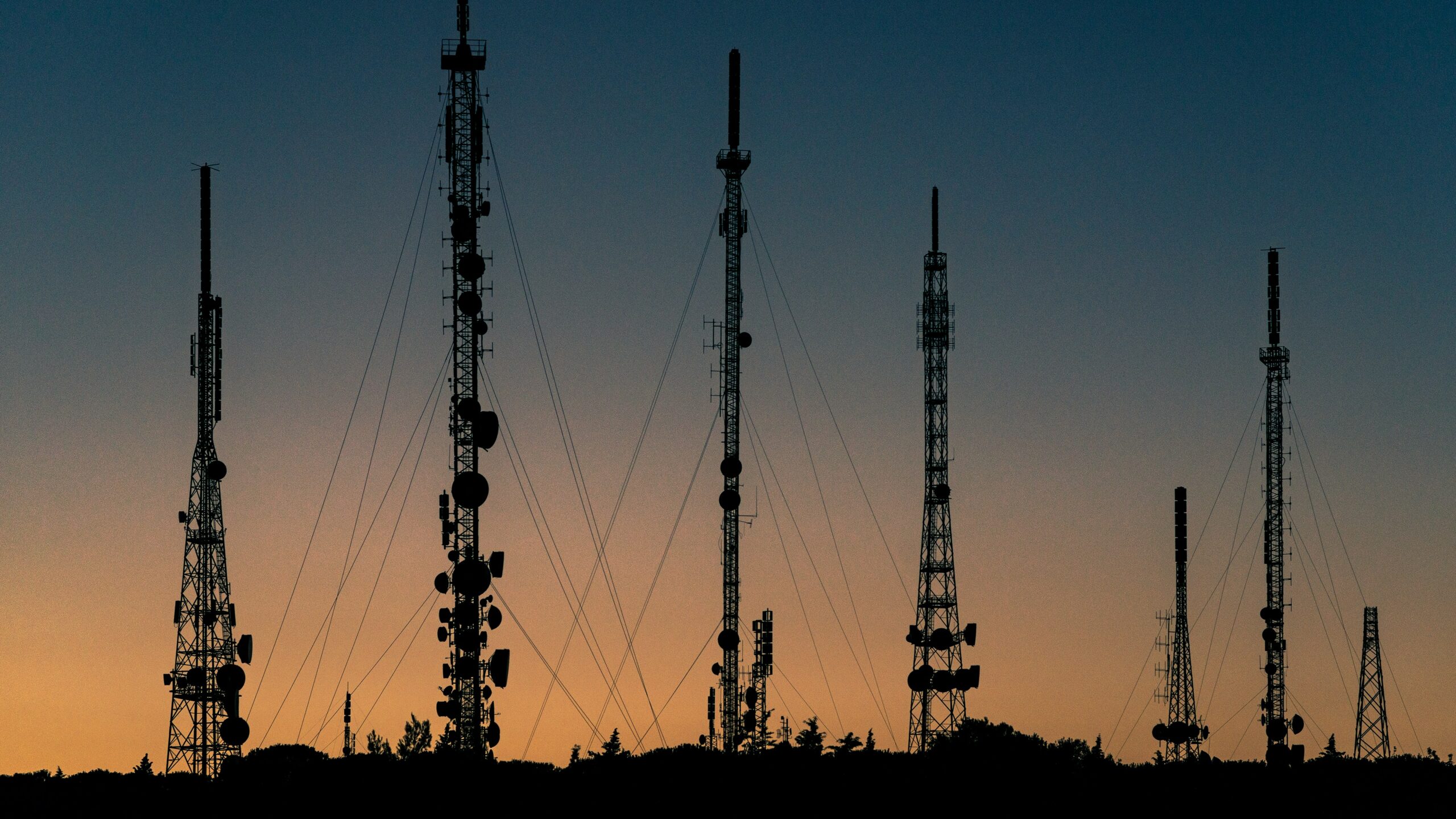
Radio signals get weaker as they travel. The farther you are from a tower, the weaker your signal will be. Cities usually have many towers close together, while rural areas may have fewer towers spread farther apart. That’s one reason signal can drop as you drive out of town.
Buildings and Building Materials
Walls, roofs, and windows absorb and reflect radio signals, so your signal is almost always weaker indoors than outdoors. Some materials are much worse than others:
Research backs this up. NIST research found that 8-inch (203 mm) reinforced concrete can cause up to 31 dB of signal loss at cellular frequencies. A NYU WIRELESS research paper also cites measurements showing that modern buildings had 20 to 25 dB more signal loss than older buildings. Energy-efficient Low-E glass is part of the reason: the thin metallic coating that keeps heat out can also reflect cell signals.
What do those numbers mean? Signal loss is measured in decibels (dB), and the scale is not linear:
So a concrete wall and a few Low-E windows can turn a strong outdoor signal into one bar inside. Basements, elevators, parking garages, and large office buildings are especially tough spots.
Terrain, Trees, and Your Surroundings
Hills, mountains, canyons, and valleys can block the line between you and a tower. Dense trees and heavy foliage can weaken signals too, especially at higher frequencies. Even nearby tall buildings can create “shadows” where signal is weaker.
The Frequency Band You’re Using
As the table above shows, lower frequencies travel farther and get through walls more easily, while higher frequencies carry more data but over shorter distances. High-band mmWave 5G is the most sensitive. It delivers incredible speeds when you have a clear path to the tower, but walls, windows, and even your hand can block it. To compare network types, see our guide to 5G vs. 4G LTE.
Network Congestion
A tower can only handle so much traffic at once. At stadiums, concerts, festivals, and busy downtown areas, thousands of people share the same towers. Your bars may look fine, but data can slow down because everyone is competing for the same capacity. Carriers often add extra capacity at major events to help.
Weather
Weather has a smaller effect than many people think. Heavy rain mostly affects high-frequency mmWave 5G, where rain can noticeably weaken the signal. On the lower frequencies most phones use most of the time, weather usually has only a minor effect. Severe storms can still cause problems in other ways, such as power outages or damage to network equipment.
Your Phone, Case, Software, and SIM
- Band support: Newer phones support more frequency bands, including the latest 5G bands, and often have better antennas and modems.
- Software: Outdated software or carrier settings can affect how well your phone connects.
- SIM or eSIM: An old SIM card may not support newer network features. Learn more about what an eSIM is and how it works.
- Cases: Most cases from reputable brands have little effect on signal. Metal cases, cases with metal plates, and very thick rugged cases can sometimes interfere. Apple’s safety guide, for example, tells iPhone users to “remove metallic cases” when using a wireless charger. Browse quality phone accessories designed for your device.
- How you hold it: Your hand can partially block the antennas, especially on high-band 5G.
Why Signal Is Worse Indoors
Indoor signal problems usually come down to the building itself. Walls absorb signal, metal reflects it, and basements and inner rooms are far from windows where signal enters. That’s why moving to a window, going upstairs, or stepping outside often brings your bars back.
From the Victra store floor: Customers in newer apartment and office buildings often tell us they have great signal on the sidewalk but only one bar inside. Energy-efficient windows and concrete are usually the reason. Turning on Wi-Fi Calling fixes calls right away, and a Verizon LTE Network Extender can help with coverage at home.
Weak signal also affects your phone in other ways. When signal is poor, your phone works harder to stay connected, which can drain the battery and make the phone warm. Learn why your phone battery is draining so fast and why your phone overheats.
Bars vs. Speed: Why Full Bars Can Still Feel Slow
Signal bars show how strong your connection is, not how fast it is.
Usually a busy network
The tower is busy with many users, or there’s interference.
A strong band with capacity
You’re on a band with plenty of capacity and few users competing for it.
If you have full bars but nothing loads, the problem may also be an app, a Wi-Fi connection your phone is still using, or a network outage. The outage check below can help you tell the difference.
How to Check Your Real Signal Strength
For a more accurate reading than bars, check your signal in dBm. The number is always negative, and the closer it is to zero, the stronger your signal. For example, -75 dBm is stronger than -105 dBm.
SIM status
Settings > About phone > SIM status, then look for Signal strength. Menu names vary by phone maker. The number is usually measured in dBm.
No official dBm screen
Some people dial *3001#12345#* in the Phone app to open Field Test mode and check RSRP under LTE or 5G. This isn’t an Apple-documented feature, so it may change or not work on every model.
What Your dBm Number Means
For LTE and 5G, the most useful number is RSRP (Reference Signal Received Power). This rule-of-thumb guide is commonly used by carriers and network professionals. It isn’t an official standard, so treat it as approximate.
Check your signal in a few spots around your home. You’ll often find a big difference between a room near a window and an inner room or basement.
How to Improve Your Cell Signal
Start with the free fixes, then move on to bigger solutions if you still need better coverage.
Quick Fixes to Try First
- Move to a better spotGo near a window, move to a higher floor, or step outside.
- Restart your phoneA restart makes your phone reconnect to the network. Here’s how to restart an iPhone.
- Toggle Airplane ModeTurn it on for about 15 seconds, then turn it off to force a fresh connection.
- Update your phoneInstall the latest software. On iPhone, also check for a carrier settings update in Settings > General > About.
- Remove a metal or very thick caseSee if your signal improves without it.
- Reset network settingsIf problems continue. This erases saved Wi-Fi networks and passwords, so have them handy.
Reset Network Settings
Settings > General > Transfer or Reset iPhone > Reset > Reset Network Settings
Reset mobile network settings
Settings > General management > Reset > Reset mobile network settings
Reset mobile network settings
Settings > System > Reset options > Reset mobile network settings
Use Wi-Fi Calling
If your home or office has good Wi-Fi but weak cell signal, Wi-Fi Calling is the easiest fix. It lets you make calls and send texts over Wi-Fi instead of the cellular network. Learn what Wi-Fi Calling is and the difference between Wi-Fi and cellular data. For the best results, make sure your home Wi-Fi is strong too. Our guide to how routers work can help.
Verizon LTE Network Extender
A Verizon LTE Network Extender creates a small Verizon 4G LTE coverage area inside your home or office using your internet connection. According to Verizon:
It works with Verizon-sold 4G LTE devices, with voice calls on HD Voice-capable devices.
Signal Boosters
A signal booster uses an outside antenna to capture an existing signal, amplifies it, and rebroadcasts it inside your home, car, or RV. Verizon says that when properly installed, boosters can help extend coverage to areas with weak signal, such as “inside buildings, and in rural areas.”
Follow the rules. The FCC says to “register your booster with your wireless provider before turning it on,” and consumer boosters must include an FCC label. Verizon asks customers to register their boosters, and it can revoke approval for a booster that causes interference with the network.
Here’s How These Options Compare
| Option | How it works | What you need | Best for |
|---|---|---|---|
| Wi-Fi Calling | Sends calls and texts over Wi-Fi | A compatible phone and good Wi-Fi | Homes and offices with strong Wi-Fi |
| Verizon LTE Network Extender | Creates Verizon coverage from your internet connection | Broadband of at least 10 Mbps down and 5 Mbps up | Homes and offices with little or no indoor signal |
| Signal booster | Amplifies an existing outdoor signal | Some usable signal outside, plus registration with your carrier | Rural homes, vehicles, and RVs |
Consider a Newer Phone
If your phone is several years old, it may not support the latest bands or have the newest antenna and modem technology. A newer phone can make a real difference, especially for 5G. To use Verizon’s 5G Ultra Wideband, you also need a compatible phone and plan. Read our phone upgrade guide, browse Verizon smartphone deals, or compare Verizon phone plans.
If weak cell signal at home is a constant problem, a dedicated home internet plan like Verizon 5G Home Internet may also help, since it gives you strong Wi-Fi for Wi-Fi Calling and streaming.
Is It Your Signal or a Network Outage?
Sometimes the problem isn’t your location or your phone. On January 14, 2026, a nationwide Verizon outage left many customers’ phones showing “SOS” for about 10 hours. Verizon resolved the issue that night and encouraged customers to restart their phones to reconnect.
If your signal suddenly disappears in a place where it’s usually fine, check for an outage:
- Open the My Verizon app. If Verizon knows about an outage in your area, you’ll see a Network Notification alert at the top of the screen.
- Ask someone nearby. If other Verizon customers around you have the same problem, it’s likely the network.
- Connect to Wi-Fi and turn on Wi-Fi Calling until service returns.
- On iPhone, run cellular diagnostics in the Apple Support app (iOS 18 or later).
For more help, read our guides to Verizon outages and why your phone says SOS only.
Victra Tech Tip: When you’re testing your cell signal, turn off Wi-Fi first. Otherwise, your phone may use Wi-Fi in the background and hide whether your cellular connection is actually working.
What If There’s No Signal at All?
In remote areas with no cell coverage, satellite features can still help you reach someone:
Emergency SOS via satellite
Supported on iPhone 14 and later.
Satellite SOS and texting
Two-way satellite texting at no extra charge on select phones, including the Galaxy S25 series, Galaxy Z Fold7 and Z Flip7, and Pixel 9 and Pixel 10 series.
Satellite messaging works best outside with a clear view of the sky. It’s meant for texting and emergencies, not for regular calls or data.
Still struggling with weak signal? Visit a Victra store, and our Verizon experts will check your phone’s settings, test your signal, and help you find the right solution, whether that’s Wi-Fi Calling, a Network Extender, or a new phone.
Frequently Asked Questions
What affects cell phone signal strength the most?
Distance from the cell tower and the obstacles between you and the tower have the biggest impact. Indoors, building materials like concrete, metal, and energy-efficient Low-E glass are usually the main cause of weak signal. The frequency band your phone uses also plays a big role.
Why is my signal bad inside my house?
Walls, roofs, and windows weaken cell signals before they reach you. Concrete, metal framing, metal roofs, and Low-E glass are especially tough on signal, and basements and inner rooms are farthest from where signal enters. Try moving near a window, turn on Wi-Fi Calling, or consider a Verizon LTE Network Extender.
What is a good signal strength in dBm?
As a rule of thumb for LTE and 5G, an RSRP of -80 dBm or better is excellent, -80 to -90 dBm is good, and -90 to -100 dBm is fair. Readings of -100 dBm or worse are poor and may cause slow data or dropped calls. The closer the number is to zero, the stronger the signal.
How do I check my signal strength in dBm?
On most Android phones, go to Settings > About phone > SIM status and look for Signal strength. iPhone doesn’t show dBm in Settings. Some people use the unofficial Field Test mode by dialing *3001#12345#* and checking RSRP, but Apple doesn’t document this feature.
Why do I have full bars but slow data?
Bars show signal strength, not speed. Full bars with slow data usually means the tower is busy with many users, such as at a stadium or concert, or there’s interference. It can also be an app problem, a weak Wi-Fi connection your phone is still using, or a network outage.
Does weather affect cell signal?
Usually only a little. Heavy rain mainly affects high-frequency mmWave 5G, where it can noticeably weaken the signal. On the lower frequencies most phones use most of the time, weather has a minor effect. Severe storms can still disrupt service by causing power outages or damaging network equipment.
Do phone cases block signal?
Most cases from reputable brands have little effect. Metal cases, cases with metal plates, and very thick rugged cases can sometimes interfere with your phone’s antennas. If you notice weaker signal after putting on a new case, try removing it to see if your signal improves.
Does 5G have weaker signal than 4G?
It depends on the band. Low-band 5G travels about as far as 4G LTE and performs similarly. Mid-band 5G balances speed and range. High-band mmWave 5G is extremely fast but has a short range and is easily blocked by walls and windows, so it can seem weaker indoors.
Do signal boosters work, and are they legal?
Yes. Certified signal boosters can improve weak coverage in homes, cars, and RVs when there’s some usable signal outside. They’re legal when you follow FCC rules: use a booster with an FCC label and register it with your wireless provider before turning it on. Verizon offers an online registration page.
What’s the difference between a signal booster and a Network Extender?
A signal booster captures a weak outdoor signal, amplifies it, and rebroadcasts it indoors, so it needs some signal outside to work. A Verizon LTE Network Extender creates Verizon coverage using your home internet connection, so it can help even when there’s very little signal outside.
How do I know if there’s a Verizon outage?
Open the My Verizon app. If Verizon knows about an outage in your area, you’ll see a Network Notification alert at the top of the screen. If other Verizon customers nearby have the same problem, it’s likely the network. Connect to Wi-Fi and use Wi-Fi Calling until service returns.
Can I text with no cell signal?
Yes, on supported phones. iPhone 14 and later support Emergency SOS via satellite. Verizon also offers satellite SOS and two-way satellite texting at no extra charge on select phones, including the Galaxy S25 series and Pixel 9 and Pixel 10 series. You’ll need to be outside with a clear view of the sky.
The Bottom Line
Cell signal strength depends on distance, obstacles, the frequency band you’re on, network traffic, and your phone. Indoors, the building itself is usually the biggest factor, which is why signal often improves near a window or outside.
Start with the simple fixes: move to a better spot, restart and update your phone, and turn on Wi-Fi Calling. If you still need better coverage, a Verizon LTE Network Extender, a registered signal booster, or a newer phone can make a big difference.
Need Help With Weak Signal?
Visit a Victra store near you, and our Verizon experts will help you get the strongest, most reliable connection possible.
Find a Victra Store Shop Phone Deals
is a skilled Web Developer and Designer. He builds and designs websites that focus on best UI/UX practices. Justin is also a Verizon Product Expert at Victra, helping customers with Verizon products and services. His mix of design, coding, product, and general knowledge makes him a valuable and knowledgeable team member.