
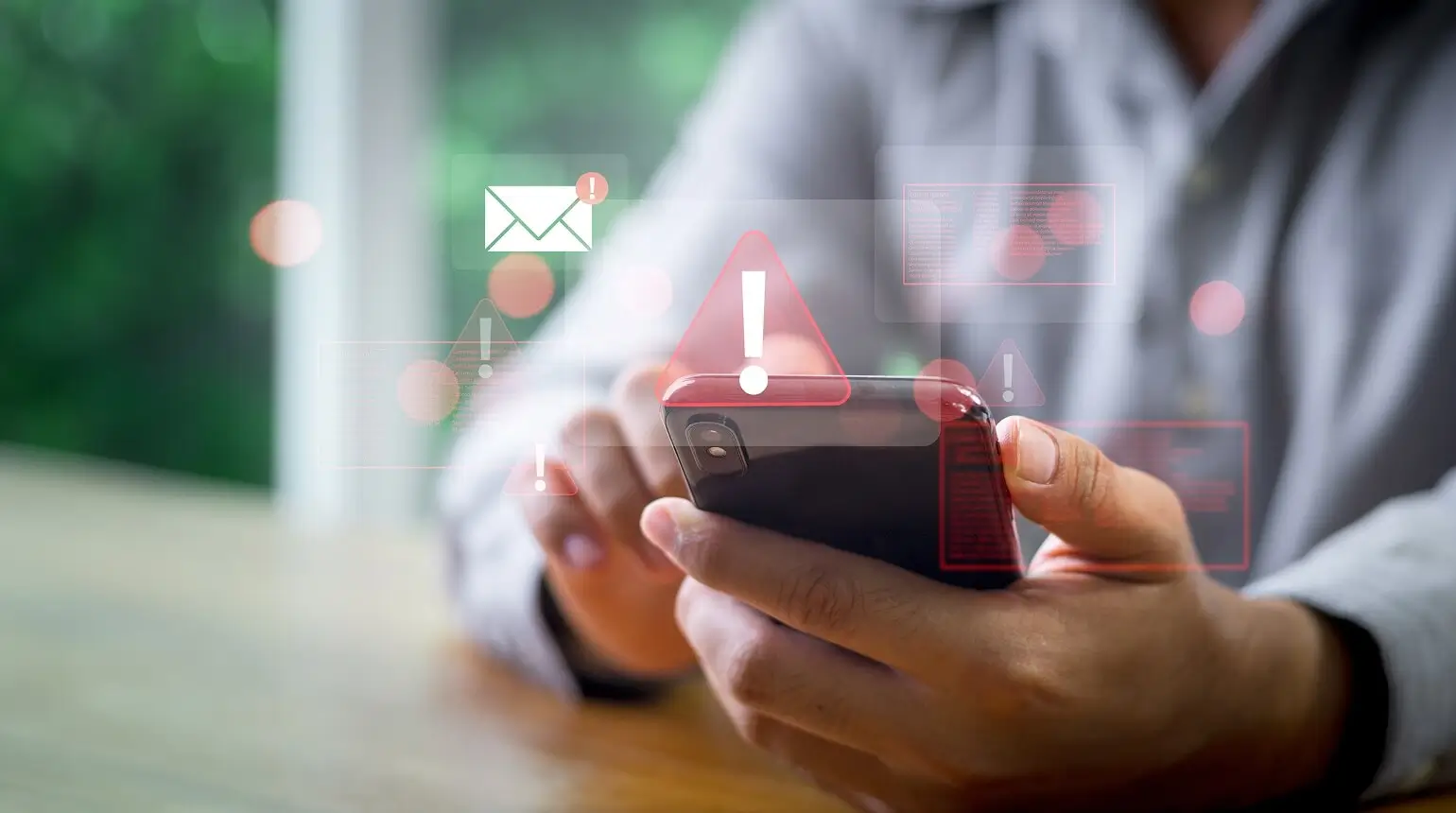
Stuck in a scary situation with nothing but a phone and mild panic? You’re actually not alone: your smartphone can do so much more than just scroll. The best emergency apps put real help in your pocket, delivering fast alerts, critical information, and tools that could literally save a life.
Below, we’ve listed the top five emergency apps that offer the best, safest tools wherever you are. This way, if you have your smartphone, you know you’re in good hands
Why You Want Emergency Apps on Your Phone
Emergency apps for smartphones are no longer optional: they’re essential tech that fills in when everything else fails. Cellular networks can get jammed, people panic, and suddenly, you’re left relying on the tools you already have.
These emergency preparedness apps give you direct access to alerts, location sharing, offline instructions, and rapid response features when seconds matter.
After all, if your phone is smart enough to order tacos at midnight, it should be smart enough to help you during an actual emergency.
Meet Your Digital Lifelines: The Five Best Emergency Apps
Emergency App #5: PulsePoint Respond
PulsePoint Respond is a 911-connected mobile app that alerts nearby users when someone in their community suffers a sudden cardiac arrest. The app links directly with local EMS/911 dispatch systems.
Main Features:
- Sends instant “CPR Needed” alerts when cardiac arrest calls go out
- Provides a map of nearby Automated External Defibrillators (AEDs), helping responders locate life‑saving equipment fast
- Allows toggling public‑interest alerts (fires, floods, other hazards) so you get broader situational awareness, not just CPR alerts

Emergency App #4: American Red Cross App
The American Red Cross Emergency App is a free smartphone app that bundles disaster alerts, preparedness tools, and first-aid guidance into one – helping you stay ready when things go wrong, whether it’s a wildfire, flood, tornado, or house fire.
The app is maintained by the American Red Cross and aims to give users easy access to reliable safety information and real-time alerts.
Main Features:
- Real‑time alerts for more than 40 hazard types — earthquakes, hurricanes, tornadoes, floods, wildfires, extreme weather, and more.
- Step‑by‑step preparedness guides and checklists to help you plan for disasters before they hit.
- Interactive map to locate open Red Cross shelters and evacuation centers.
- “Family Safe” / “I’m Safe” feature: lets you notify loved ones you’re okay — even if they don’t have the app.
- Preloaded content works offline, allowing you to access safety information even when connectivity is lost.
Emergency App #3: Noonlight
Noonlight is one of the best emergency apps for Android and iPhone users currently on the market. It essentially turns your phone into a silent SOS button: if you feel unsafe – walking home late, riding alone, or stuck somewhere sketchy – you press and hold a button. If you release it without entering your PIN, Noonlight dispatches police or emergency services right away.
Main Features:
- Silent panic‑button alert: call for help without talking or drawing attention.
- Real‑time location tracking sent to first responders if the alarm triggers – works even if you can’t speak.
- Optional add‑ons: automatic crash detection (phone senses a serious accident) and integration with wearables, smart devices, and ride‑share apps for broader coverage.
- 24/7 professional dispatchers working behind the scenes to triage alerts and send help when needed.
Emergency App #2: SOS Alert
SOS Alert is an Android emergency app that gives you a quick, one‑tap way to send help to friends or loved ones if you’re in danger or need assistance fast. Rather than trying to cover every kind of disaster or emergency, it focuses on simplicity: flashy buttons, minimal setup, and instant location sharing. This makes it a good fit for anyone, but especially seniors or those with a high risk of falls.
Main Features:
- One‑tap SOS button (or widget) to trigger an alert.
- Sends your current GPS location to pre‑saved emergency contacts via SMS with a Google Maps link.
- Simple, ad‑free interface with minimal friction (easy for less tech‑savvy users).
- Customizable emergency message and locally stored contact info (your data stays on your phone).
Related: What Does SOS Mean on the iPhone?
Emergency App #1: Disaster AWARE (Pacific Disaster Center)
Disaster AWARE brings global hazard tracking to your pocket, turning your phone into a powerful early-warning tool that stands out among the best emergency apps for iPhone and Android devices. It taps into a massive network of data to alert you about natural disasters, extreme weather, and other dangers.
Main Features:
- Near real‑time alerts for 28 types of hazards — earthquakes, floods, wildfires, storms, tsunamis, volcanic activity, droughts, biological events, and more.
- Global coverage: delivers hazard intelligence worldwide (works whether you’re at home or across the globe).
- Customizable notifications: choose the hazard types and geographic area you want to monitor (e.g., your hometown, work region, or travel destination).
- Interactive map and hazard-data overlays: visualize threats with maps, forecasts, and risk-impact data, providing a clearer picture of what’s happening.
How to Decide Which Emergency Apps Are Right for You
Choosing the best emergency apps for your smartphone isn’t about downloading all five and hoping for the best (though, theoretically, you could). It’s about finding the right option for your lifestyle and your current phone plan.
Start by asking what you actually need: Are you looking for fast alerts during natural disasters? Disaster AWARE or the Red Cross Emergency App will ping you with warnings before the weather does.
Want a silent way to call for help during unsafe situations? Go with Noonlight — it works without saying a word. Or, do you live in a dense area and want real-time safety info near your location? Citizen keeps you looped in on local incidents as they unfold.
Think about your lifestyle, travel habits, and how tech-savvy you are. Then, match the app to the situation you’re more likely to face.
Get Set Up With Victra and Download the Best Emergency Apps for Smartphones
Having the best emergency apps for iPhone or Android devices is an incredibly smart move. But, having the right phone, plan, and gear to support those apps? Well, that’s where Victra comes in.
Whether you need a device with strong battery life, a reliable Verizon connection, or accessories like power banks and rugged cases, we’ve got what your emergency setup is missing.
FAQ: Frequently Asked Questions About Emergency Preparedness Apps
Will emergency apps work if I lose cell service or Wi-Fi?
Can Victra assist with setting up emergency contacts and app features on my phone?
Absolutely! Victra’s in-store team can help you set up emergency contacts, enable safety features like Medical ID, and walk you through installing the best emergency apps on your device. Just stop by your nearest Victra location, and someone will pretend not to be judging your outdated OS.
Are there accessories at Victra that can help in emergencies?
Yes! Victra offers power banks, rugged cases, car chargers, and other accessories that keep your smartphone functional when things go sideways.

is a skilled Web Developer and Designer. He builds and designs websites that focus on best UI/UX practices. Justin is also a Verizon Product Expert at Victra, helping customers with Verizon products and services. His mix of design, coding, product, and general knowledge makes him a valuable and knowledgeable team member.